Docs › Get started
Quick start
Show a Wazli map on your web page in under 5 minutes, then make your first Wazli Maps API call. Maps, address search, nearby places and directions, in English and Arabic.
Base address
Every Wazli Maps API call starts with https://map.wazli.com/api/maps/v1. Send your key as ?key= or in the X-Wazli-Key header. Answers are JSON, in English or Arabic (lang=en or lang=ar).
1. Get a website key
Ask the Wazli team for a key and tell us the websites it will run on. A website key only works on those websites, so it is safe inside your page.
2. Add the website kit
One stylesheet and one script. They load the map, the fonts and the icons for you.
<link rel="stylesheet" href="https://map.wazli.com/maps/v1/wazli-maps.css">
<script src="https://map.wazli.com/maps/v1/wazli-maps.js"></script>
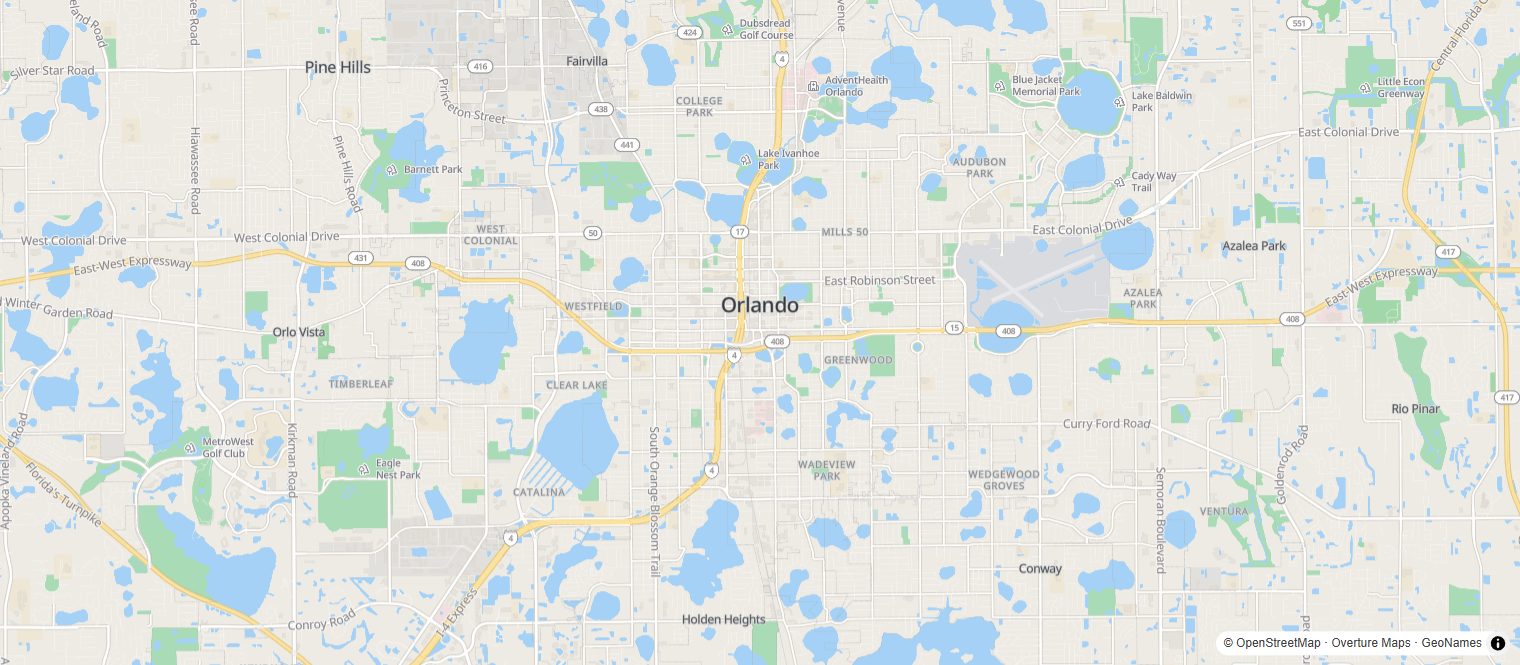
3. Show the map
Give the map a box with a height, then create it with your key.
<div id="map" style="height: 400px"></div>
<script>
  WazliMaps.createMap("map", {
    key: "YOUR_WEBSITE_KEY",
    center: [-81.379, 28.538], // longitude, latitude
    zoom: 12,
  });
</script>
4. Call the API from your server
Every product answers JSON. Here is an address search. A server key stays on your server; never put it in a page or an app.
curl "https://map.wazli.com/api/maps/v1/geocode?q=Orlando" \
-H "X-Wazli-Key: YOUR_SERVER_KEY"{
"results": [
{ "label": "Orlando, Florida, United States", "city": "Orlando",
"lat": 28.538, "lng": -81.379, ... }
]
}What you can build
| Product | What it does |
|---|---|
| Map | The Wazli map in your page or app, light or dark, English or Arabic labels. |
| Map styles | Your own brand look for the map, saved with a server key. |
| Autocomplete | Address suggestions while people type. |
| Geocoding | An address to a point, and a point back to an address. |
| Nearby | Places of one kind around a point (mosques, gas stations, pharmacies and more), closest first. |
| Directions | A route by car or on foot, with steps in English or Arabic, in miles or kilometres. |
Tell your AI helper
Paste this into your coding assistant so it builds against the real API instead of guessing.
Use the Wazli Maps API.
Base address: https://map.wazli.com/api/maps/v1
Send the key as ?key=… or in the X-Wazli-Key header. In a web page, use a website key; never put a server key in a page or an app.
Website kit: https://map.wazli.com/maps/v1/wazli-maps.js and https://map.wazli.com/maps/v1/wazli-maps.css (global WazliMaps).
Errors answer { "error": { "code", "message", "messageAr" } }; the codes are listed at https://map.wazli.com/developers/errors.
OpenAPI 3.1 file (every call, parameter, answer and error): https://map.wazli.com/developers/openapi.json
All the docs as plain text: https://map.wazli.com/llms-full.txt
Docs: https://map.wazli.com/developers